1. Choose the space you need.
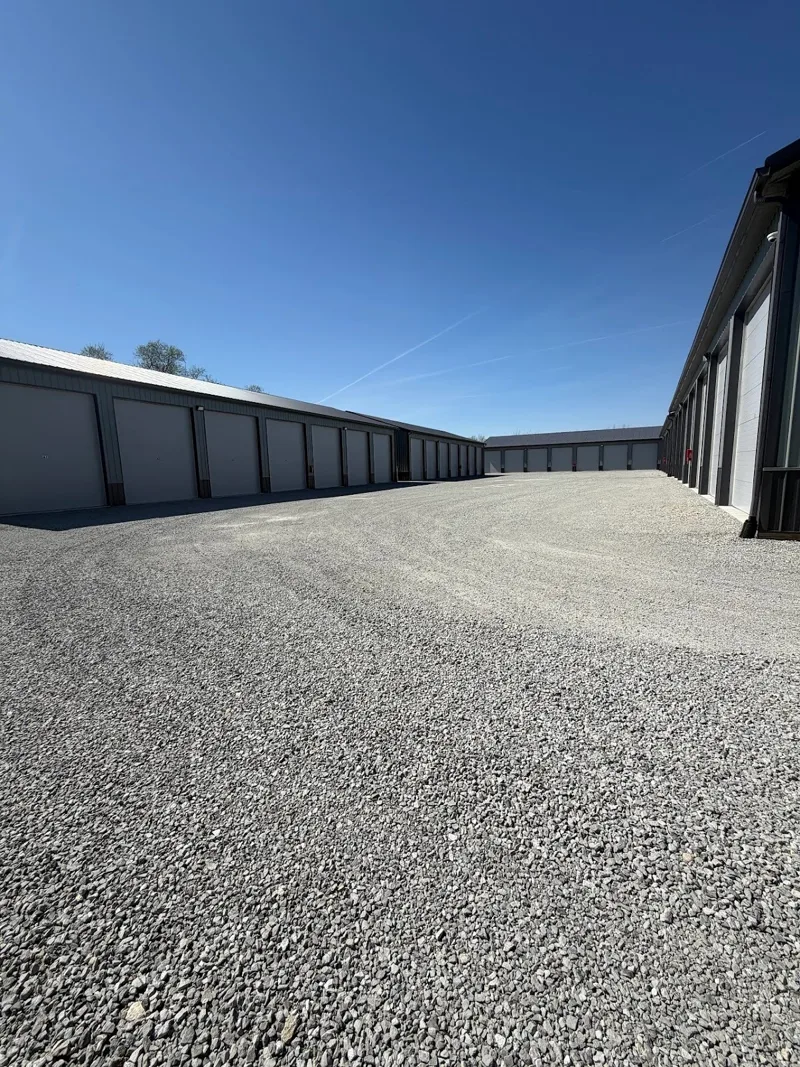
Compare our three sizes: 10 × 15, 10 × 20, and fully enclosed 13 × 43 units with electricity. Measure your largest belongings and allow an aisle for anything you need to reach regularly.
Use the size guide to compare floor space. For a vehicle or tall equipment, call to confirm door clearance, overall length, and turning space before choosing a unit.
2. Check availability and complete your rental.
Open the online rental portal to see available units and review the current rate, charges, and rental documents. Selecting a size on this website does not hold a unit; follow the portal through its confirmation step.
If you want a Fall Special or military rate, contact our office first. Those offers need office assistance and may not appear in standard online checkout.
3. Follow your move-in instructions.
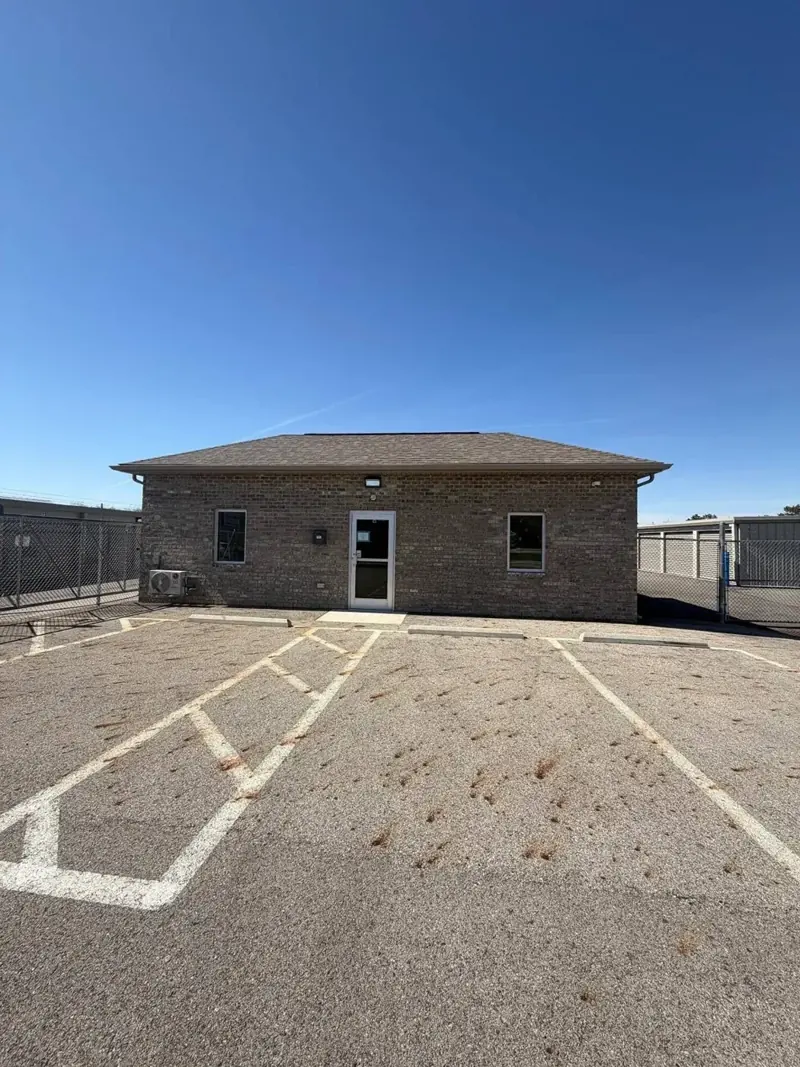
Your rental confirmation and agreement provide the next steps. Make sure you have your assigned unit and access instructions before arriving. If anything is missing or unclear, contact our team during office hours: Monday–Friday, 10 AM–3 PM.
Customer access is available 24 hours a day, but staffed help is available during office hours. Plan your packing and loading with the moving checklist.
Already renting with us?
Use Pay my bill / customer login to manage your existing account. Contact the office about account questions or the move-out requirements in your rental agreement.