Home & business
10 × 20 ft
200 sq ftExtra space for larger household moves, equipment, and business inventory.
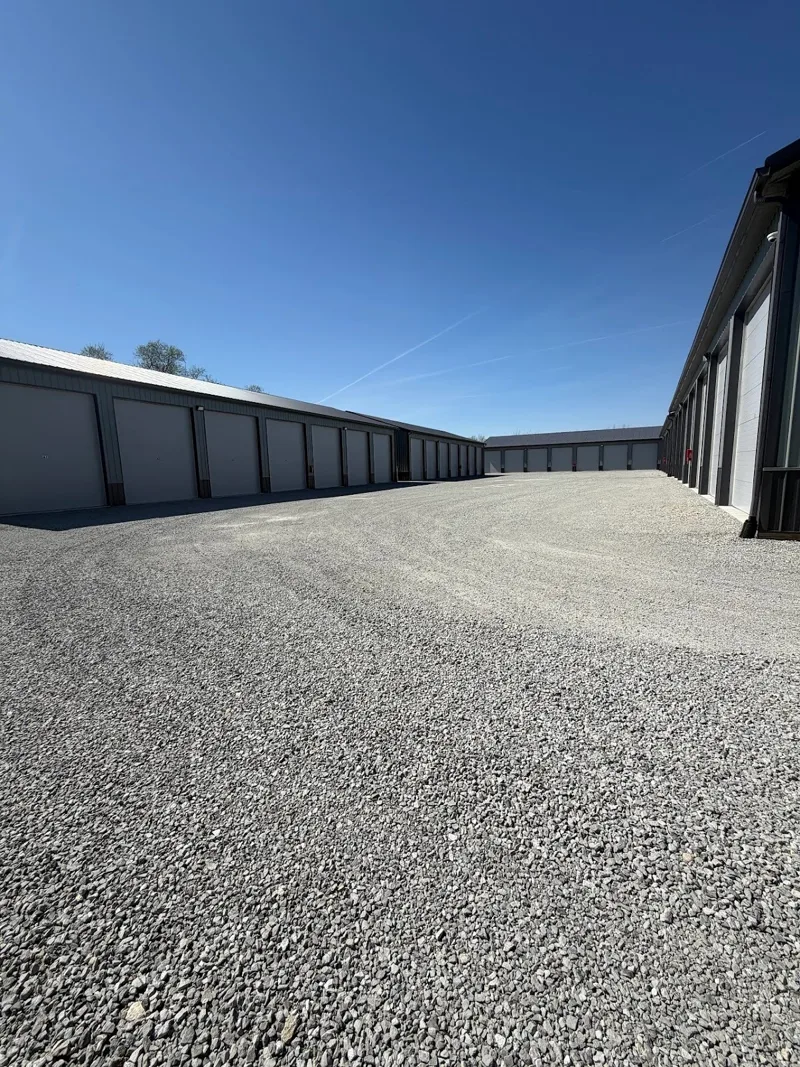
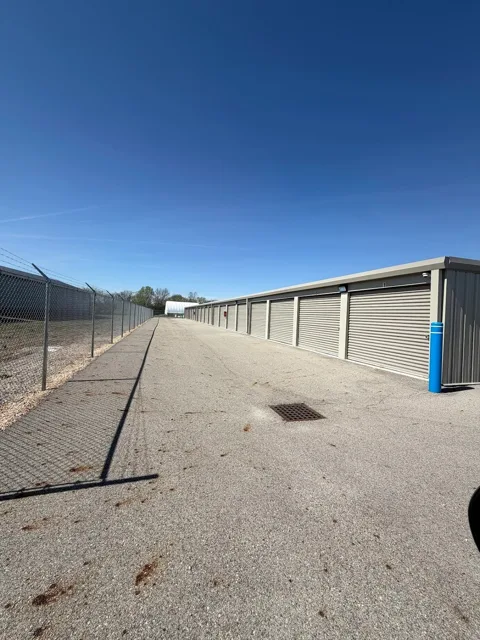
- Drive-up access
- 8-foot unit height
- Month-to-month option
From $135 / month
Book 10 × 20Next: select 10 × 20 in the rental portal.
DRIVE-UP STORAGE · FAIRBORN, OHIO
200 square feet for larger furniture, equipment, and business inventory. Compare the photo, floor plan, and example layout before choosing.
FIND YOUR FIT
The same 10-foot width as our 10 × 15 unit, with five extra feet of depth. Use the additional floor space for larger items or a more accessible layout.
Illustrations show example arrangements. Measure your furniture, allow an aisle, and confirm the available unit’s doorway before booking.
Get help choosing a sizeListed base rent is $135/month. Credit card payments add 3%; on base rent alone, that is $4.05. Other applicable charges or protection costs are confirmed during rental. Review payment options.
If your measured belongings fit into a 10 × 15 layout with an aisle, its smaller footprint may suit your needs. Compare the other size →
Call before booking for current military rates and eligibility. An active military ID is required at booking for military rates. Military storage details →
Home & business
Extra space for larger household moves, equipment, and business inventory.
Next: select 10 × 20 in the rental portal.
Base monthly rates. Credit card payments add 3%. Payment & fee details →
Illustrated layouts are examples, not a fit guarantee. Availability and other charges are confirmed in the portal.
Open the rental portal and select your size. Check availability and the current rate.
Review all charges and rental documents before confirming. Call first for military rates or Fall Specials.
Have your unit assignment and access instructions before arriving. Office help: Mon–Fri, 10 AM–3 PM.
A LITTLE SPACE. A LOT OF POSSIBILITY.